 Ha Stone
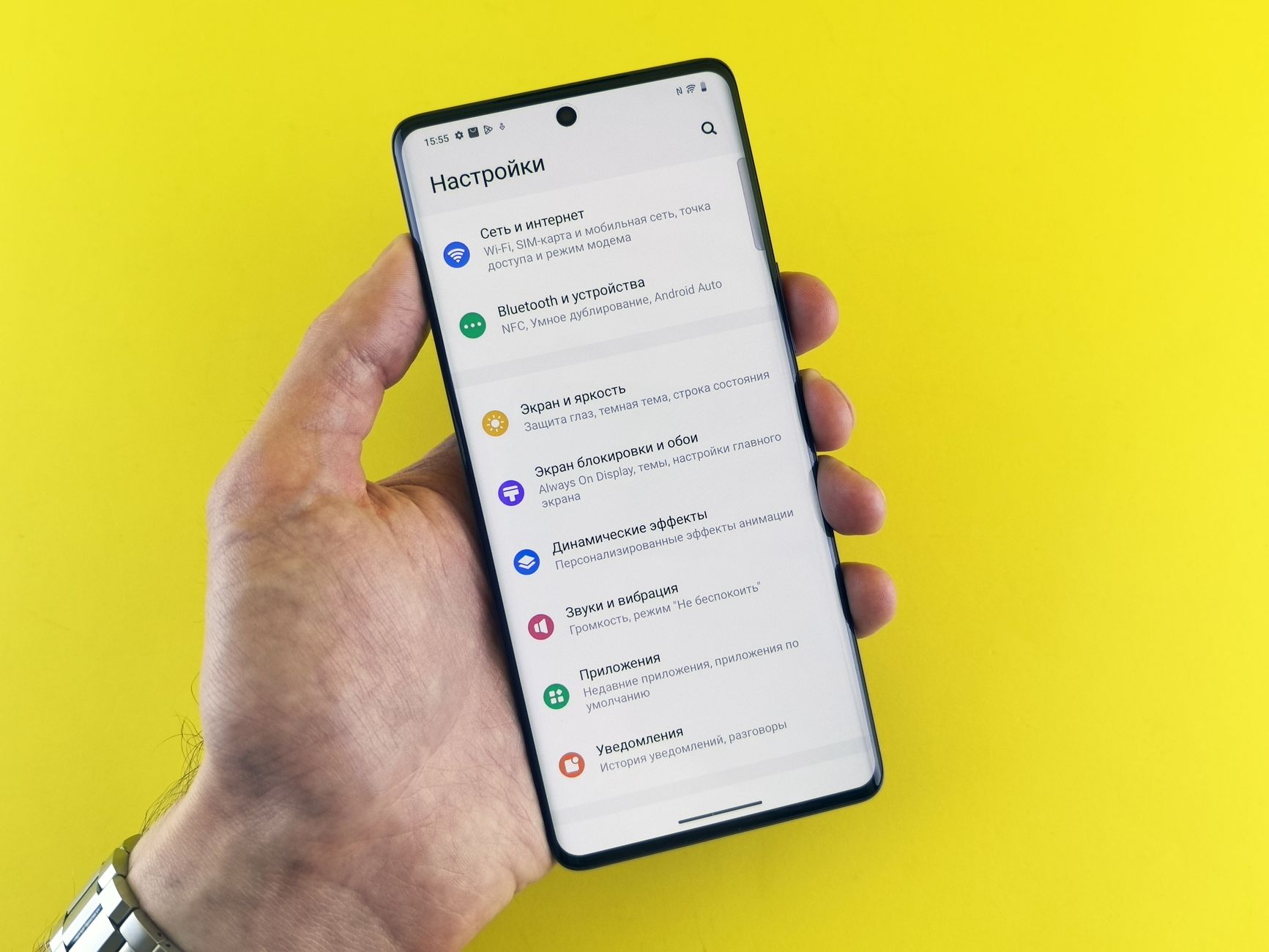
Android 17 Beta 3 has been released, bringing a host of new features and enhancements for users. This update is set to improve the overall experience significantly.
What’s New in Android 17 Beta 3
The release of Android 17 Beta 3 has introduced several exciting features and enhancements that aim to improve user experience and device performance. Developers and users alike are eager to explore the latest updates and tweaks that come with this beta version.
One of the standout improvements in Android 17 Beta 3 is the enhanced privacy controls. Users can now enjoy more granular options that allow them to manage app permissions with greater ease. This functionality is designed to give users more control over their data and ensure that privacy remains a priority.
Additionally, the new user interface tweaks provide a more streamlined experience. The notification shade has seen a redesign, making it easier to access important information quickly. The updated layout is not only visually appealing but also functional, allowing for faster interactions.
Performance enhancements are another key highlight. Android 17 Beta 3 optimizes system resources, leading to improved battery life and smoother multitasking. Users will appreciate the noticeable increase in speed when switching between applications.
Lastly, the introduction of new accessibility features ensures that the operating system is more inclusive than ever. These updates make it easier for users with disabilities to navigate their devices and access the content they need.
Overall, Android 17 Beta 3 showcases a commitment to refining the user experience through thoughtful improvements and innovative features.
Key Features of the Update
The latest update, Android 17 Beta 3, introduces a range of enhancements designed to improve user experience and overall functionality. Here are some of the key features included in this update:
- Enhanced Privacy Controls: Users can now manage app permissions more effectively, ensuring better control over personal data.
- Improved Battery Optimization: The update comes with smarter algorithms that extend battery life by managing background activities more efficiently.
- Refined User Interface: A cleaner and more intuitive layout makes navigation smoother, providing a better overall experience.
- Advanced Gesture Navigation: With the introduction of new gestures, users can navigate their devices with greater ease and speed.
- AI-Powered Features: The integration of artificial intelligence offers personalized suggestions and enhances app performance based on user habits.
- Security Enhancements: Upgraded security protocols protect users from potential threats, ensuring a safer mobile environment.
These features make Android 17 Beta 3 a significant improvement over its predecessor, offering users both functionality and security. As the beta phase continues, feedback from users will likely lead to further refinements before the official release.
How to Install Android 17 Beta 3
Installing Android 17 Beta 3 is a straightforward process that can bring users the latest features and improvements. Here’s a step-by-step guide to help you get started.
- Check Compatibility: Before installation, ensure your device is compatible with the Android 17 Beta 3. Only select models are eligible for the beta program.
- Backup Your Data: It is crucial to back up all your important data. Beta versions may contain bugs that could affect your data security.
- Join the Beta Program: Visit the official Android Beta Program website and sign in with your Google account. Once signed in, select your device to enroll in the beta program.
- Download the Update: After joining, you should receive a notification for the Android 17 Beta 3 update. Follow the on-screen instructions to download and install the update.
- Install the Update: Once downloaded, tap on the notification to initiate the installation process. Your device will restart, and the new beta version will be applied.
- Provide Feedback: After installation, explore the new features and report any bugs or issues you encounter to help improve future updates.
By following these steps, users can quickly and easily enjoy the benefits of Android 17 Beta 3.
User Reactions and Feedback
User reactions to the Android 17 Beta 3 release have been largely positive, with many users praising the latest features and enhancements. Early adopters have taken to social media and forums to share their experiences, highlighting the smooth performance and refined user interface.
One of the most discussed improvements is the revamped notification system, which users have found to be more intuitive. According to a poll conducted on a popular tech forum, 78% of respondents expressed satisfaction with the new layout, noting that it makes multitasking easier than ever before.
However, some users have reported minor bugs, particularly with specific apps not functioning as expected after the update. A user on Reddit mentioned, “I love the new features in Android 17 Beta 3, but I encountered a few crashes with my favorite music app.” This feedback suggests that while the beta has many strengths, there are still areas that require attention before the final release.
Feedback regarding battery performance has also been mixed. While some users claim they’ve noticed improved battery life, others feel it has not changed significantly. The development team seems to be actively monitoring this feedback, as they have encouraged users to report any issues encountered during their testing of Android 17 Beta 3.
Overall, the community remains excited about the potential of this update, eagerly awaiting further improvements in the final version.
Comparing Android 17 Beta 3 to Previous Versions
As the tech community eagerly embraces the latest updates, Android 17 Beta 3 showcases a series of advancements that set it apart from its predecessors. Notably, the interface has undergone significant refinements that enhance user experience while maintaining familiarity.
When comparing Android 17 Beta 3 to previous versions such as Android 16, users will notice a smoother navigation experience due to improved gesture controls and a more responsive design. The refined notification system now includes a more organized layout, making it easier to manage alerts without feeling overwhelmed.
Another standout feature is the enhanced privacy settings, which provide users with greater control over app permissions. This marks a considerable improvement over earlier iterations, where permissions often felt ambiguous. Additionally, the new app hibernation feature allows users to minimize battery consumption by temporarily disabling unused apps, a boon for those looking to extend device longevity.
Performance-wise, Android 17 Beta 3 brings optimizations that contribute to faster app launches and overall system stability, effectively addressing some of the lag issues reported in Android 16. Moreover, the integration of AI-driven suggestions within the settings menu helps users optimize their device according to personal preferences.
In conclusion, Android 17 Beta 3 represents a step forward, combining aesthetics with functionality while learning from the strengths and weaknesses of previous versions.
Future Updates and Expectations
As the tech community eagerly anticipates further advancements, the release of Android 17 Beta 3 has set the stage for exciting future updates. Developers and users alike are keen to see how the platform will evolve in the coming months, particularly as feedback from the current beta version is implemented.
One major expectation is the enhancement of user interface elements, aimed at providing a more intuitive experience. Rumors suggest that the development team is working diligently on refining the design, taking cues from user feedback received during the beta testing phase. Additionally, there are whispers of improved compatibility with a wider range of devices, ensuring that more users can enjoy the benefits of the new features.
Another anticipated area of improvement is security. As cyber threats continue to evolve, updates focusing on user privacy and data protection remain a priority for the Android team. Enhanced security features in future updates could reassure users about their data safety.
Moreover, performance optimizations are likely to be a focal point in upcoming releases. Users are hopeful for smoother multitasking capabilities and faster app response times, building on the solid foundation established by Android 17 Beta 3.
In summary, the excitement surrounding Android 17 Beta 3 is just the beginning, as the community looks forward to innovations that promise to enhance functionality and user satisfaction.
Photo by Andrey Matveev on Pexels
Where this came from
Related reading
Are OPPO Reno 17 specs the best for pro cameras? · New AMD GPU: Is It the Best Graphics Card Yet? · AMD openSIL Production Goal: Proven Success for EPYC Venice