
 Ha Stone
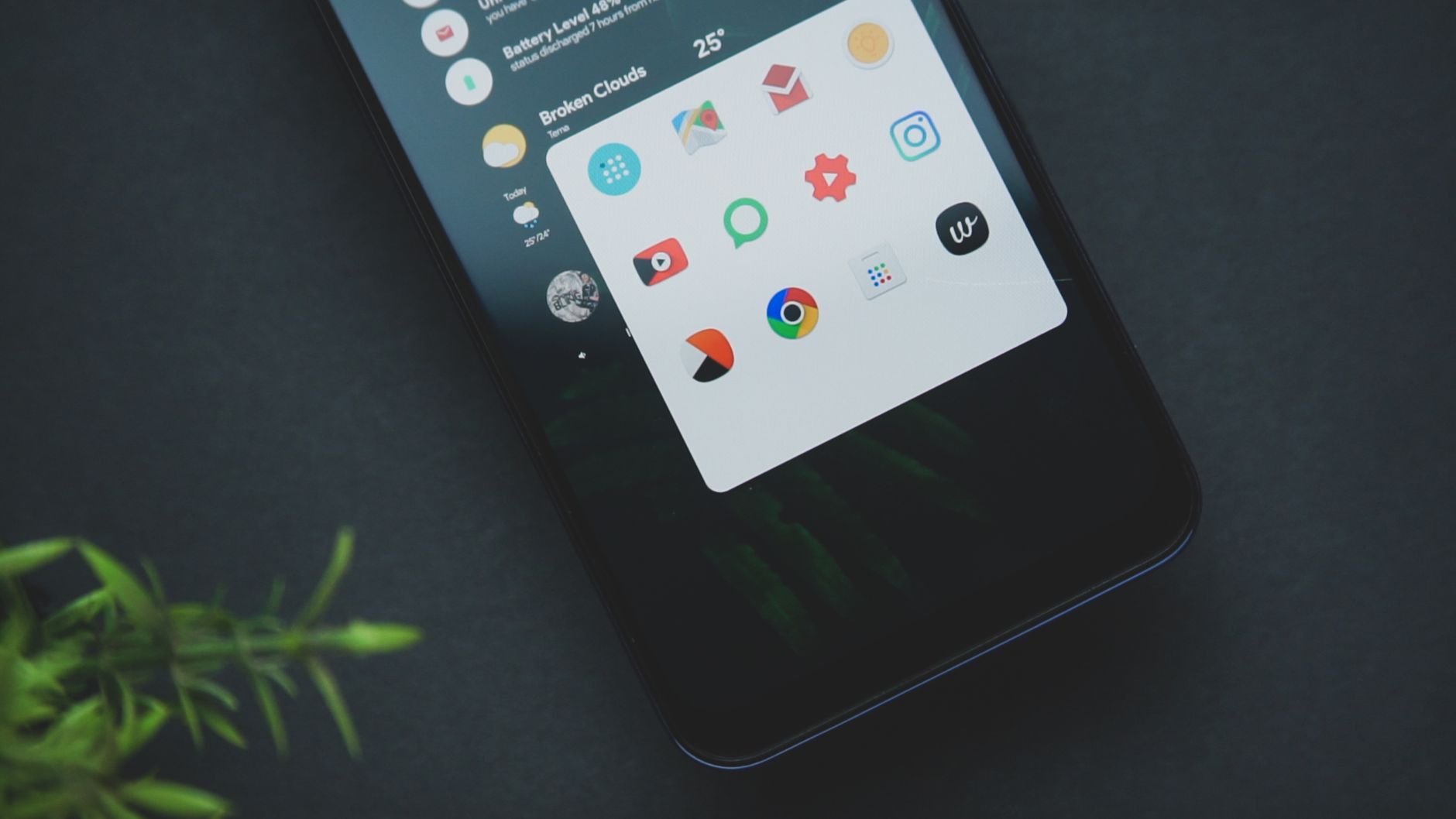
ColorOS 17 rollout is finally here for Reno 15 Pro users in India and Malaysia. This update promises enhanced features and improved performance for users.
What’s New in ColorOS 17?
OPPO has officially announced the stable ColorOS 17 rollout for its Reno 15 series, bringing a host of exciting features and enhancements that promise to elevate the user experience significantly. Users of the Reno 15 Pro Mini and Reno 15 Pro 5G in India and Malaysia are set to enjoy these updates starting now.
One of the standout features in ColorOS 17 is the enhanced AI functionality, which allows for improved battery management and performance optimization. This ensures that users can enjoy their devices for longer periods without frequent recharges. Additionally, the user interface has undergone a visual overhaul, providing a more streamlined and aesthetically pleasing experience.
Another noteworthy improvement is the introduction of personalized wallpapers and themes, enabling users to customize their devices in unique ways. The new feature set also includes:
- Improved multitasking capabilities, allowing for smoother transitions between apps.
- Enhanced privacy features, ensuring that user data is better protected.
- Optimized camera modes, providing superior photo and video quality.
With these additions, ColorOS 17 not only enhances the functionality of Reno 15 devices but also sets a new standard for user engagement and satisfaction in the smartphone market.
How to Update Your Reno 15 Pro
For users eager to experience the latest enhancements, updating your Reno 15 Pro to ColorOS 17 is a straightforward process. Follow these steps to ensure you have the most recent features and improvements at your fingertips.
- Check for Updates: Begin by opening the Settings app on your device. Scroll down and select Software Update. Your device will automatically search for available updates.
- Download the Update: If ColorOS 17 is available for your Reno 15 Pro, you will see a notification. Tap on Download to start the process. Make sure you are connected to a stable Wi-Fi network to avoid excessive data charges.
- Install the Update: Once the download is complete, you will receive a prompt to install the update. Tap on Install, and your device will restart to complete the installation process.
- Backup Your Data: It’s always wise to back up your important data before proceeding with a major update. Using the built-in backup options in the Settings app can help safeguard your files.
After the installation, you can explore the fresh features and improvements that ColorOS 17 brings, enhancing your overall user experience on the Reno 15 Pro.
User Experience with ColorOS 17
The user experience with ColorOS 17 has been positively received by Reno 15 users, who appreciate the seamless integration of new features designed to enhance daily functionality. With the rollout now stable for the Reno 15 Pro Mini in India and the Reno 15 Pro 5G in India and Malaysia, users have quickly started to explore the improvements.
One notable aspect of ColorOS 17 is the refreshed user interface, which offers a more intuitive navigation experience. Users have reported that the design feels more cohesive and visually appealing, making it easier to access frequently used applications.
In addition to aesthetic improvements, ColorOS 17 introduces several performance enhancements. These include:
- Faster app launch times: Users can expect quicker access to their favorite apps, reducing downtime.
- Improved battery management: The new system optimizes power consumption, allowing for longer usage between charges.
- Enhanced privacy features: With additional security options, users can have more control over their personal data.
Moreover, the customization options available in ColorOS 17 enable users to tailor their device according to personal preferences, further enriching the overall experience. Overall, the rollout of ColorOS 17 is proving to be a significant upgrade for Reno 15 users, making their devices more efficient and enjoyable to use.
Comparison with Previous Versions
The ColorOS 17 rollout brings several enhancements compared to previous iterations, making it a significant upgrade for Reno 15 users. One of the most notable features is the improved user interface, which offers a more streamlined and intuitive experience. This update not only enhances aesthetics but also boosts functionality, allowing users to navigate their devices more efficiently.
In comparison to ColorOS 16, the latest version introduces:
- Enhanced Performance: The new version optimizes system resources, providing smoother operation and faster app launches.
- Advanced Privacy Features: Users can now enjoy greater control over their data with enhanced security settings, including a revamped permission manager.
- Updated Customization Options: ColorOS 17 offers a wider range of themes and customization tools, enabling users to personalize their devices to a greater extent.
- Battery Optimization: This update includes smarter battery management features, extending battery life under various usage conditions.
Moreover, the integration of AI capabilities in ColorOS 17 allows for smarter resource allocation and a more adaptive user experience. Overall, the transition from previous versions to ColorOS 17 marks a significant leap forward, ensuring that Reno 15 users benefit from the latest technological advancements while enjoying a more cohesive and responsive interface.
Performance Improvements in ColorOS 17
The ColorOS 17 rollout brings significant performance improvements that enhance the overall user experience for Reno 15 users. OPPO has focused on optimizing system resources, ensuring a smoother and more responsive interface. Users can expect faster app launches and improved multitasking capabilities, thanks to the new memory management features.
One of the standout upgrades in ColorOS 17 is the enhanced processing efficiency. With the introduction of improved algorithms, the operating system can better allocate resources based on user behavior, allowing for a more tailored experience. This means that frequently used applications load quicker, and background processes are managed more effectively.
Additionally, the ColorOS 17 rollout includes advancements in battery optimization. By reducing the power consumption of various system components, users can enjoy prolonged device usage without the need for frequent recharging. The adaptive battery technology also learns user habits, further extending battery life during critical times.
Another notable improvement is in the gaming performance. OPPO has integrated features that enhance graphics rendering while minimizing latency, delivering an immersive gaming experience. Users can expect smoother gameplay and reduced frame drops, making ColorOS 17 a compelling upgrade for Reno 15 users who enjoy mobile gaming.
Overall, these performance improvements position ColorOS 17 as a robust update, promising to elevate the capabilities of the Reno 15 series.
User Feedback and Reactions
The rollout of ColorOS 17 has generated a wave of feedback from users, particularly among those with the Reno 15 series. Many users have expressed their excitement and satisfaction with the new features, highlighting the significant enhancements that ColorOS 17 brings to their devices.
According to various user reviews, the interface improvements have been particularly well-received. Users noted that the design is more intuitive, making navigation smoother and more enjoyable. Additionally, the incorporation of new customization options has allowed users to personalize their devices to a greater extent.
However, some users have also reported minor bugs and issues since the ColorOS 17 rollout began. While these issues are generally not widespread, they have been acknowledged by the community. Users are hopeful that future updates will address these concerns promptly.
In social media discussions, many Reno 15 users have shared their experiences, emphasizing the responsiveness of the new features and the overall enhancement in performance. The feedback suggests that OPPO’s commitment to providing a quality user experience is resonating well with its audience.
As more users adapt to ColorOS 17, it will be interesting to see how OPPO continues to refine the operating system based on this feedback. For now, the overall sentiment remains positive, with many eagerly anticipating future updates.
The ColorOS 17 rollout brings a host of enhanced features that improve user experience for Reno 15 users. As the ColorOS 17 rollout continues, users can expect smoother performance and a more intuitive interface.
Photo by Emmanuel Jason Eliphalet on Pexels