 Ha Stone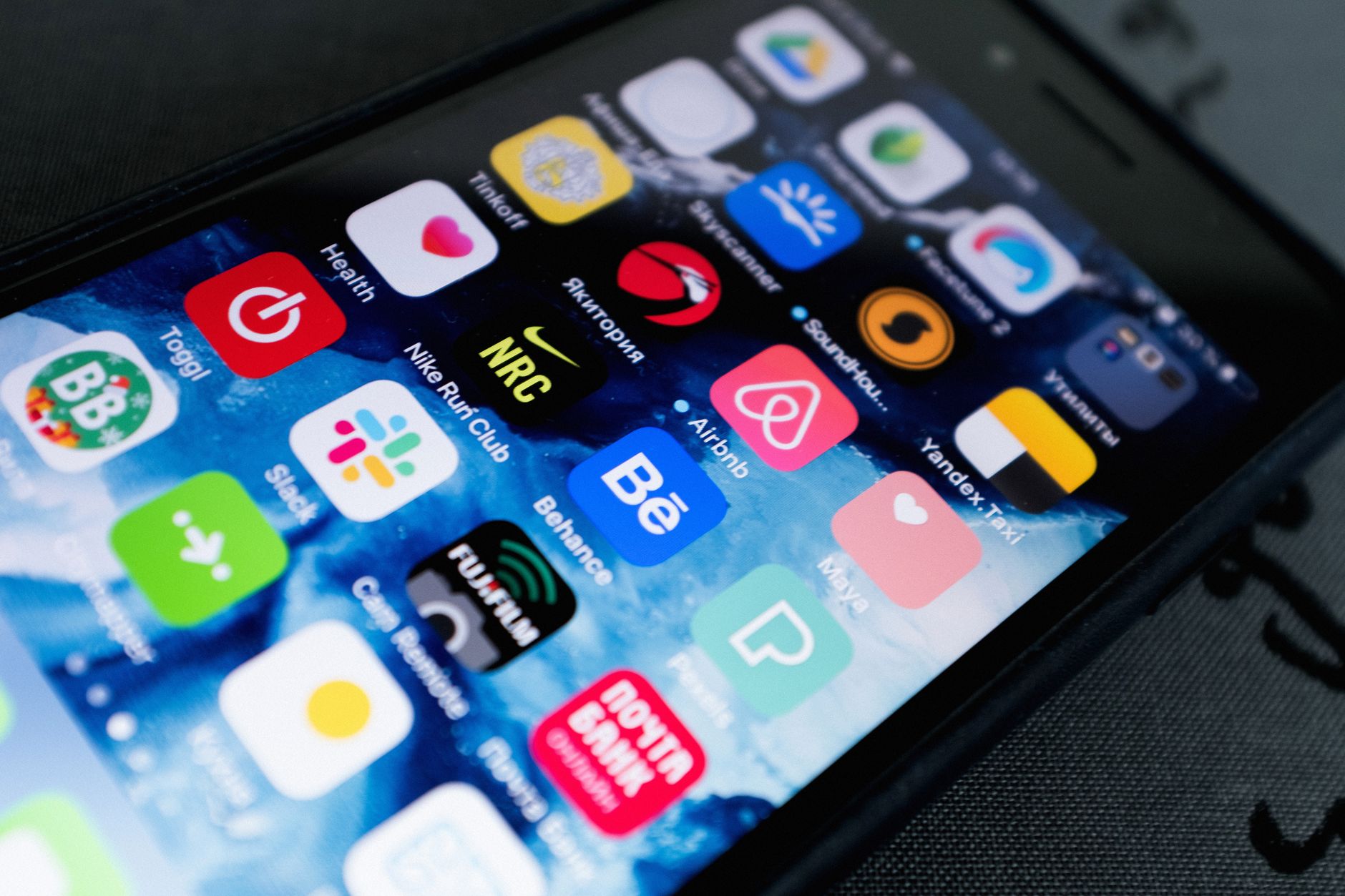
The iOS 27.2 release candidate has been made available to all developers, offering new features and enhancements. This update aims to improve user experience and app performance.
What’s New in iOS 27.2?
Apple has officially released the iOS 27.2 release candidate, bringing a host of exciting features and improvements aimed at enhancing user experience. This update is seen as a significant step forward, offering a variety of new functionalities that users can look forward to.
Among the key updates included in this release are:
- Enhanced Performance: The iOS 27.2 release candidate promises smoother operation and better app responsiveness, optimizing the overall performance of compatible devices.
- Improved Security: Apple continues to prioritize user safety by addressing vulnerabilities and strengthening security protocols with this update.
- New Accessibility Features: Enhancements have been made to accessibility options, ensuring that all users can enjoy a more inclusive experience.
- Bug Fixes: Numerous bugs reported in previous versions have been addressed, leading to a more stable and reliable operating system.
- UI Tweaks: Updates to the user interface provide a fresher look, making navigation more intuitive.
The iOS 27.2 release candidate is now available for developers, providing them with an opportunity to test these features ahead of the public rollout.
How to Install the iOS 27.2 Release Candidate
Installing the iOS 27.2 release candidate is a straightforward process for developers looking to test the latest features and enhancements. Follow these steps to ensure a smooth installation:
- Register as a Developer: To access the release candidate, you must be a registered Apple developer. If you haven’t registered yet, visit the Apple Developer website to sign up.
- Download the Profile: Once registered, log in to your developer account. Navigate to the Downloads section and locate the iOS 27.2 release candidate profile. Download it to your device.
- Install the Profile: Open the Settings app on your iOS device. Go to General > VPN & Device Management, and install the downloaded profile. Follow the on-screen prompts to complete the installation.
- Update Your Device: After installing the profile, go to Settings > General > Software Update. Your device should detect the iOS 27.2 release candidate. Tap Download and Install to begin the update process.
Once the installation is complete, your device will reboot, and you can start exploring the new features and improvements offered by this update.
Developer Reactions to the iOS 27.2 Update
As the tech community digs into the iOS 27.2 release candidate, developers have begun sharing their insights and reactions. Many are impressed by the enhancements and features that this update brings, emphasizing its potential to improve user experience significantly.
Several developers took to social media to express their thoughts:
- “The new stability fixes in iOS 27.2 are a game changer for app performance,” noted one developer, highlighting the importance of reliability in user applications.
- “I love the refined user interface elements,” commented another, appreciating the aesthetic updates that enhance the overall feel of the OS.
- “Apple is on the right track with this update; it feels like a breath of fresh air,” stated a third, underscoring the positive sentiment surrounding the release.
Overall, the consensus appears to lean towards the iOS 27.2 release candidate being a well-received update that not only addresses previous concerns but also introduces exciting new features. As developers continue to test and adapt their applications, the anticipation builds for the official launch and the impact it will have on the broader iOS ecosystem.
Key Features of the iOS 27.2 Release
The iOS 27.2 release candidate brings several enhancements that aim to improve user experience and overall device performance. As developers and users alike look forward to this update, the following key features stand out:
- Performance Improvements: Users can expect smoother app launches and faster response times, making everyday tasks more efficient.
- Battery Optimization: Enhanced algorithms will help prolong battery life, ensuring that devices last longer between charges.
- Enhanced Privacy Features: New privacy controls will allow users to better manage data sharing with apps, giving them greater control over their information.
- Updated User Interface: Subtle design tweaks improve navigation, making it more intuitive and user-friendly.
- Bug Fixes: The release candidate addresses various bugs reported in previous versions, contributing to a more stable and reliable operating system.
With these features, the iOS 27.2 release candidate represents a thoughtful update that prioritizes user experience. Developers are already praising its potential to refine app interactions and enhance device capabilities, making it a highly anticipated release for all iPhone and iPad users.
Future Updates for iOS 27.2
As Apple continues to enhance its operating systems, the iOS 27.2 release candidate sets the stage for future updates that promise to improve user experience even further. Developers and users alike can anticipate a range of improvements and new features in subsequent iterations.
Apple has a strong track record of refining its software with regular updates. The iOS 27.2 release candidate has already introduced several key enhancements, but the company is expected to address any lingering issues and feedback from the developer community in future releases.
Some areas where users may see updates include:
- Performance Optimizations: Ongoing adjustments to ensure smooth functionality across all devices.
- User Interface Tweaks: Enhancements aimed at improving the overall navigation experience.
- Security Patches: Timely updates to address vulnerabilities and protect user data.
- Feature Additions: New functionalities based on user requests and technological advancements.
As the iOS 27.2 release candidate progresses to a full launch, users should stay tuned for announcements from Apple regarding upcoming updates that will further enhance their devices.
Photo by ready made on Pexels